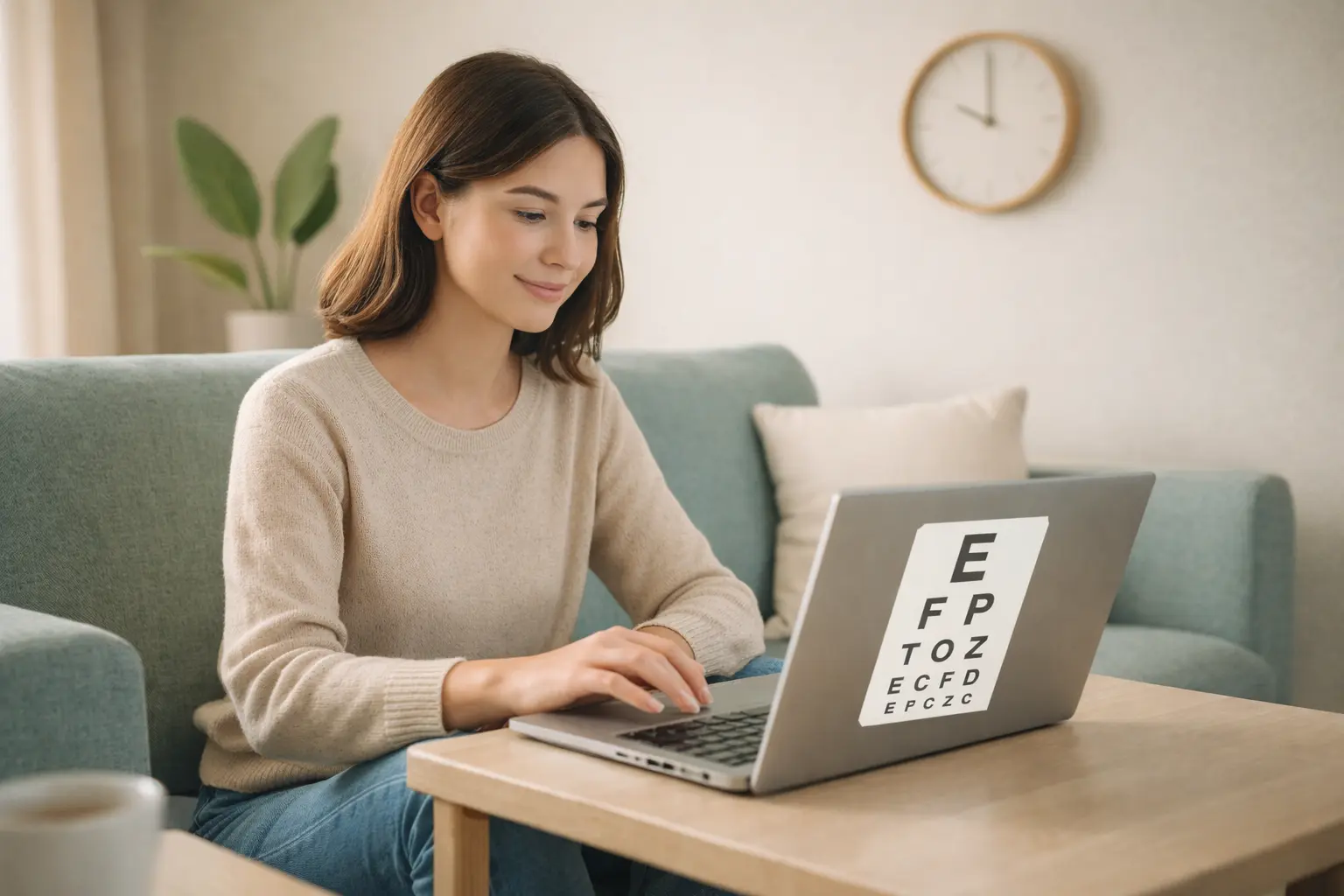
Lighting shapes how hard your eyes have to focus. When a bright screen sits in a dark room, your pupils keep adjusting and your eyes fatigue faster. Balanced light can reduce strain without changing a single device setting.
Signs your lighting is working against you
- Sore eyes after short screen sessions
- Squinting or leaning toward the monitor
- Headaches that start late in the day
- Glare or reflections you cannot ignore
Build even ambient light
The goal is to reduce contrast between your screen and the room. Use a soft overhead light or a floor lamp behind you to fill the space. Avoid a single intense bulb that creates deep shadows.
- Keep the room softly lit, not dark.
- Use diffused bulbs or lamp shades.
- Match the brightness of your screen to the room.
Control glare and reflections
Glare forces your eyes to fight for contrast. Shift your screen angle or move the desk to keep windows out of the direct line of sight.
- Place monitors perpendicular to windows.
- Use blinds or curtains during bright hours.
- Clean the screen to remove shiny smudges.
Pick a color temperature that matches the time of day
Cooler light (around 4000K to 5000K) supports alert work in the morning. In the evening, warmer bulbs help your eyes relax and can support better sleep. Aim for consistency between your lamps and your screen settings.
Use task lighting for close work
If you read or write on paper, add a small desk lamp that lights the page without shining into your eyes. Place it on the opposite side of your dominant hand to avoid shadows.
Persistent glare, halos around lights, or sudden vision changes should be checked by an eye care professional.
Quick checklist for eye-friendly lighting
- Soft ambient light on both sides of the room
- No harsh reflection on the screen surface
- Warm light in the evening to calm your eyes
- Task lighting that does not shine into your face
Where a quick online test fits in
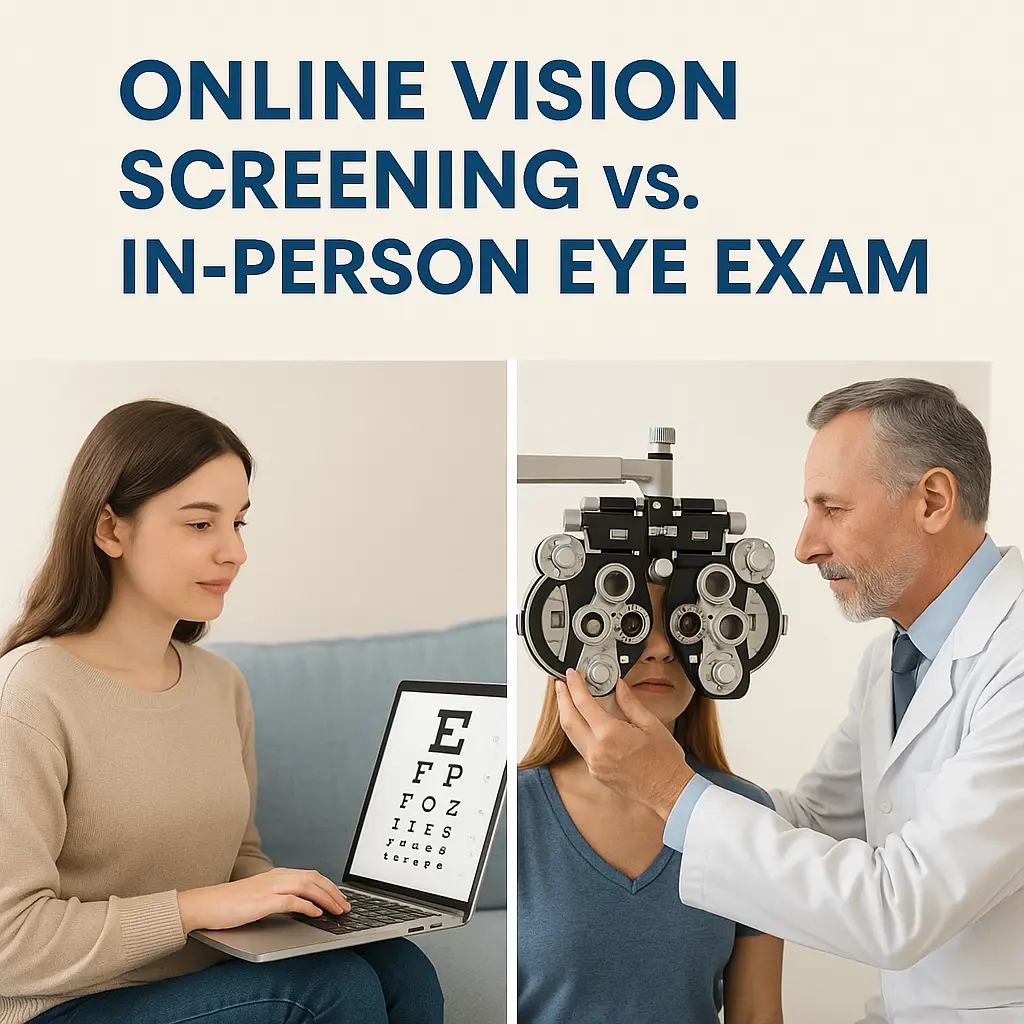
Once lighting is balanced, you can check how your eyes perform with a quick contrast test or vision screening. These screenings help you track changes between full eye exams.
Set up your lighting, then run a fast check-in with EyeTest Online to see how your eyes respond.