A check for everyday reading
Near Vision Test
Check small details at reading distance, one eye at a time.
- About 3–5 min
- No sign-up
For screening only. This test does not replace a professional eye exam.
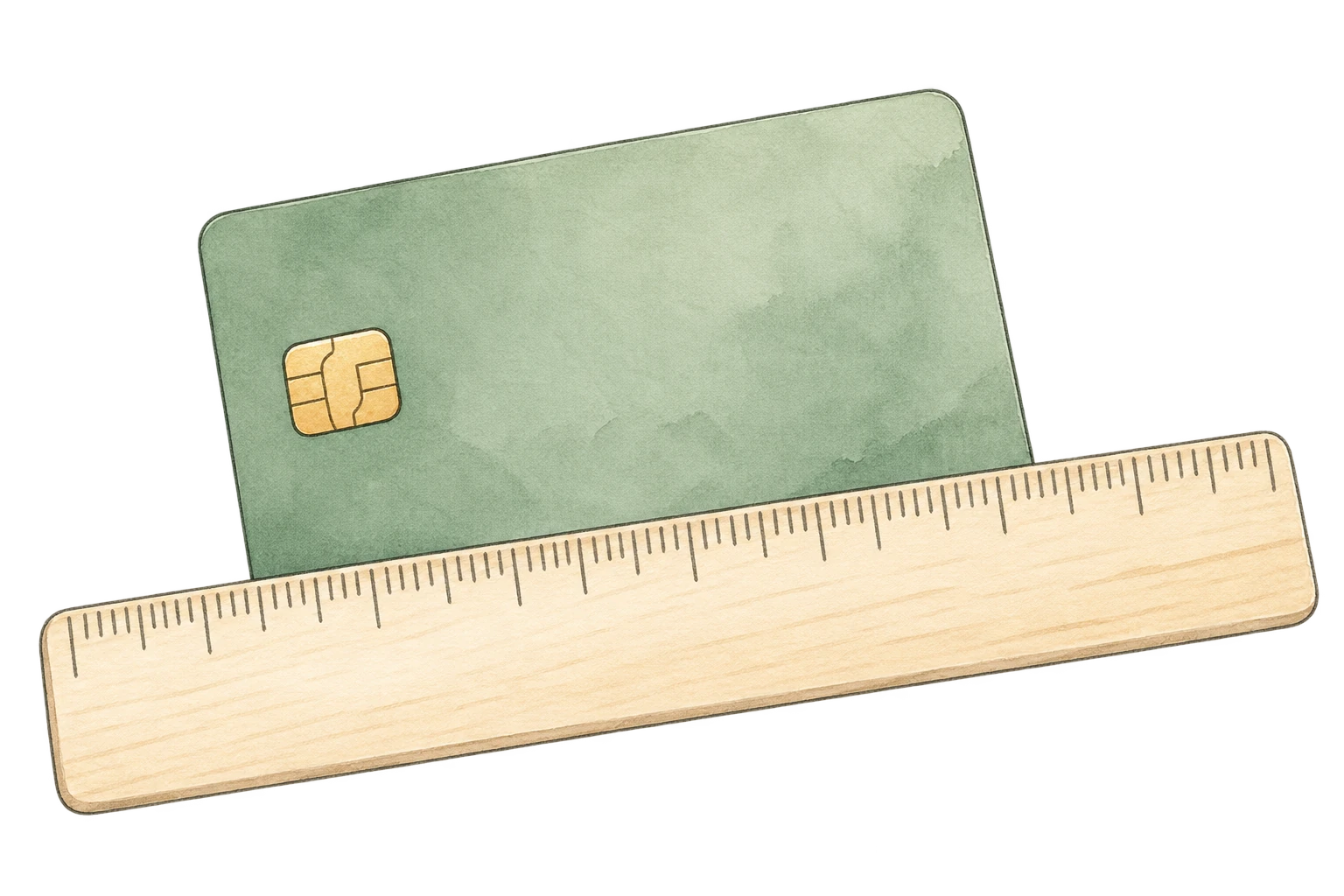
Get ready
Have a card or ruler nearby.
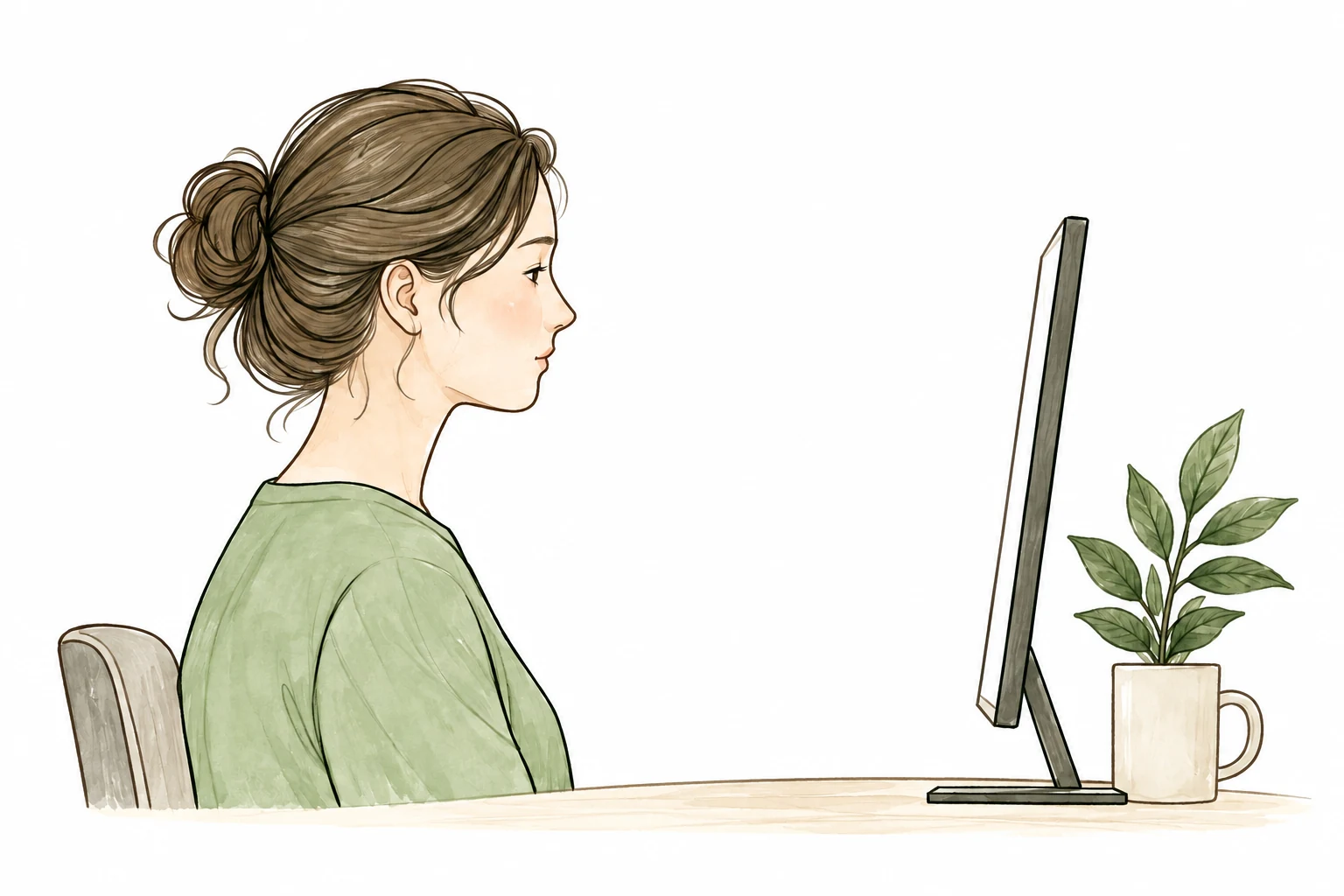
Follow the guide
We’ll help you set up your screen.
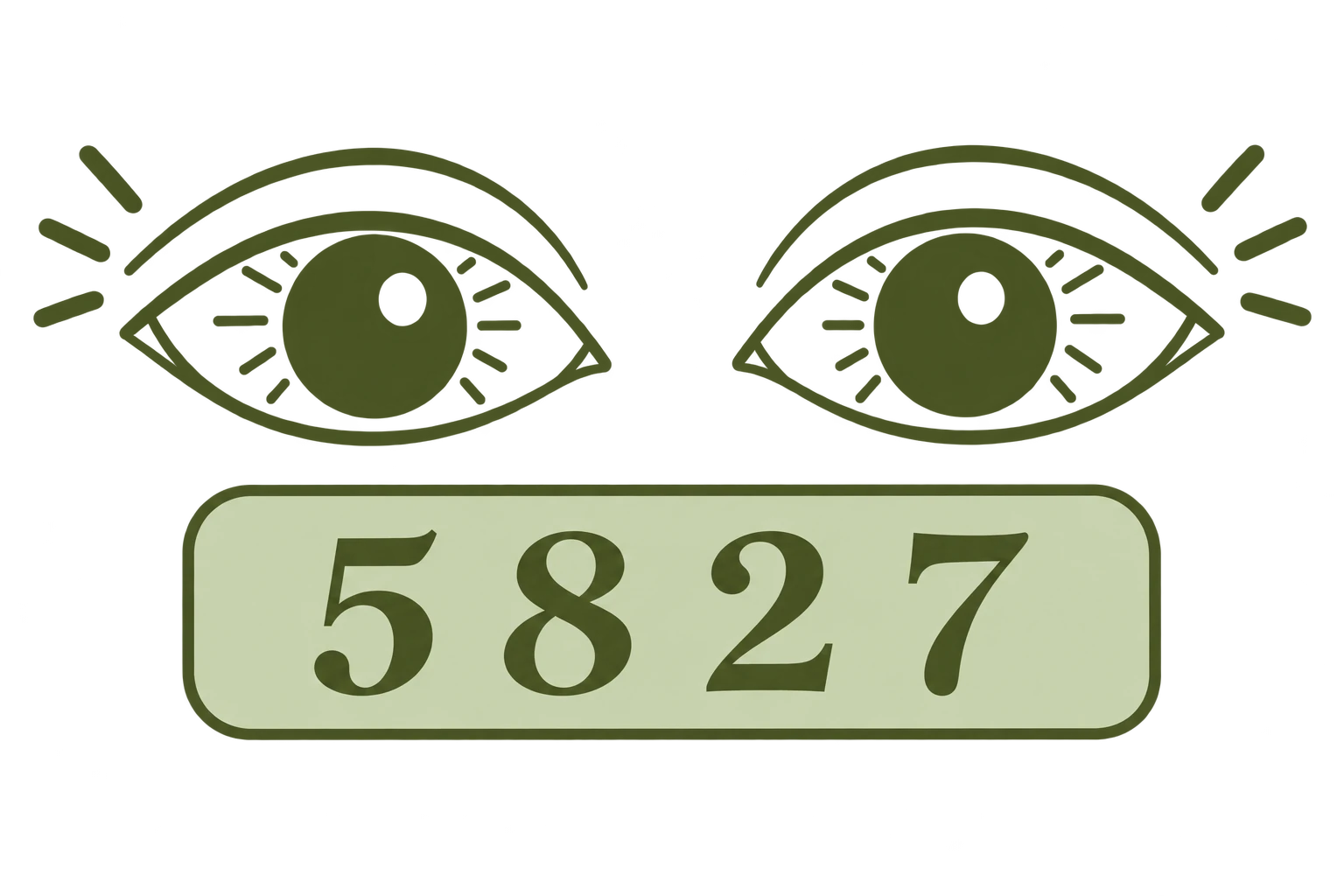
Check each eye
Read a few groups of numbers.
A simple guide
How Does the Near Vision Test Work?
Near visual acuity describes how clearly you distinguish small details at a typical reading distance. This reading eye test calibrates the display against a physical object, uses a fixed 40 cm distance, and tests each eye separately with random four-digit groups.
The tool adjusts the digit size based on your answers and confirms each tested size with two correct answers out of up to three attempts. It starts with a larger size, then searches for the smallest size you can reliably identify. This is a number-recognition task, not a measurement of reading speed or comprehension.
Keep the distance consistent: moving from 40 cm to 20 cm makes the digits appear larger and changes the task. Professional near tests also control distance and test each eye. Read about visual acuity assessment at NCBI.
How are the sizes calculated?
The matched width gives CSS pixels per millimeter. Seven custom levels span 6.0 to 1.5 mm digit height at 40 cm. The scale uses this fixed viewing distance and each level’s visual angle to calculate physical height, then converts it with your calibration. The renderer measures the glyph’s ink height rather than assuming a font’s CSS size equals the visible digit height. These digits are not standardized clinical optotypes.
What Your Results Mean
Each eye receives its smallest reliably read size and an NV level. NV1 is the largest and NV7 the smallest. Identifying smaller sizes describes performance in this session; it does not prove that your eyes are healthy. If no size is passed, the result says that a reliable size was not established.
Needing larger text or having different results between eyes can be a reason to arrange an eye exam, especially when reading is difficult or the difference is new. The tool does not diagnose presbyopia, detect an eye disease, or calculate a glasses prescription.
Limitations of Online Near Vision Testing
This online test is a screening tool, not a diagnosis. The result should be treated as a screening reference rather than a clinical measurement. A webpage cannot fully control your actual viewing distance, room lighting, monitor calibration, behavior, optical correction, or eye health.
Traditional near-vision charts may use Jaeger or Snellen-equivalent notation, but online screen testing cannot perfectly reproduce every printed chart standard. Jaeger charts differ in their size labels, so we do not convert these custom NV levels into Jaeger or Snellen scores. This review explains reading-chart standardization.
What Can Affect an Online Near Vision Test?
- Screen calibration
- Viewing distance
- Display scaling
- Screen resolution
- Room lighting
- Screen glare
- Font rendering
- Current glasses or contact lenses
- Eye fatigue
- Dry eyes
- Moving closer to the screen
Screen size, viewing distance, display scaling, lighting, and your current glasses can affect the result. Recalibrate after changing zoom, orientation, or screens. Some display changes cannot be detected automatically.
Why Does Near Vision Change With Age?
Presbyopia is an age-related reduction in the eye’s ability to focus on nearby objects. As the lens becomes less flexible, close-up tasks can become harder. The National Eye Institute explains presbyopia and how an eye exam checks for it.
Near reading difficulty can have different causes. Your result here cannot identify the cause or tell you which correction you need.
Frequently Asked Questions
What is a near vision test?
A near vision test checks how clearly you distinguish small details at a normal reading distance. This online version uses random numbers to check recognition with each eye.
How far should I hold the screen?
About 40 cm / 16 inches from your eyes. Measure the distance before starting and keep it unchanged throughout the test. Do not lean forward to make the numbers clearer.
Should I wear my reading glasses?
For a check of your usual reading experience, wear the glasses or contact lenses you normally use for reading. Record Yes or No during setup. To compare with and without correction, run a new setup for each condition and note the results yourself.
Should I test each eye separately?
Yes. Testing each eye separately allows you to compare their performance. Cover the other eye gently without pressing on it, and follow the prompt when switching eyes.
Can this test diagnose presbyopia?
No. It only describes near reading performance in this screen-based task. An eye care professional can examine your eyes and determine the cause of reading difficulty.
Is an online near vision test accurate?
Screen dimensions, calibration, distance, lighting, font rendering, and device characteristics affect the result. Physical calibration helps size the digits, but this tool cannot replace a standardized professional eye test.
What is a Jaeger eye chart?
A traditional Jaeger near chart uses text in different sizes to assess near vision. Size labels vary between charts. This tool uses custom NV levels and does not claim they are equivalent to clinical Jaeger grades.
What should I do if one eye is worse than the other?
Consider a professional eye exam if the difference is noticeable, new, or affects everyday reading. Sudden vision changes, pain, new double vision, flashes, or a sudden increase in floaters need urgent professional advice rather than another online test.
References
- NCBI Bookshelf — Evaluation of Visual Acuity: near testing, distance, and separate-eye assessment.
- Reading charts in ophthalmology: font sizing and limitations of traditional chart notation.
- National Eye Institute — Presbyopia: age-related changes in near focus.
- National Eye Institute — Retinal Detachment: urgent flashes, floaters, and vision changes.
- NHS — Eye injuries: when to seek urgent help.
- NHS — Double vision: when to seek urgent help.
These references support the educational content; they do not validate this online tool.